

xTool Slide Extension for F2/F1/F1 Lite
Description
Description
xTool Slide Extension for F2/F1/F1 Lite
Compatibility: xTool F1, F1 Lite, and F2.
- 4X working area than xTool F1 itself
- Still fast & precise and work with 500+ materials
- Manual/Auto Focus and Frame/Outline Preview
- Come with 5 clamps for holding materials in place
Directly Plug in to Use
xTool F1 Slide Extension is preassembled, and no extra installation is needed. Take it out of the box and plug in the cable. That's all you need to prepare to engrave or cut.
Perfect Alignment with Scale Rulers
Put materials on the Slide Extension, and use scale rulers to know the exact coordinates of materials placed on it. We design the absolute coordinates to make the coordinates in the xTool Creative Space software exactly the same as the scale rulers on the extension.
Easy Focus, Smart Framing
Same as using xTool F1, manual/auto focus and outline/frame preview are applicable to slide extension as well. During the preview, you can turn the knob to move left/right the extension to preview the entire working space of the extension.
Engrave & Cut in One Button
With a simple push, slide extension will automatically move to engrave and cut all your design.
Detailed Designs that Elevate the Finish
New Cutting Panel Design — The cutting panel provides enough space under the materials for airflow during cutting, and will bring a cleaner and smoother cutting finish.

Two Metrics on the Ruler — The Slide Extension provides both mm and inch metrics to avoid extra calculations.

2 Clamps for Edges — Use 2 clamps in both up and down edge slots to fixate thinner materials firmly.
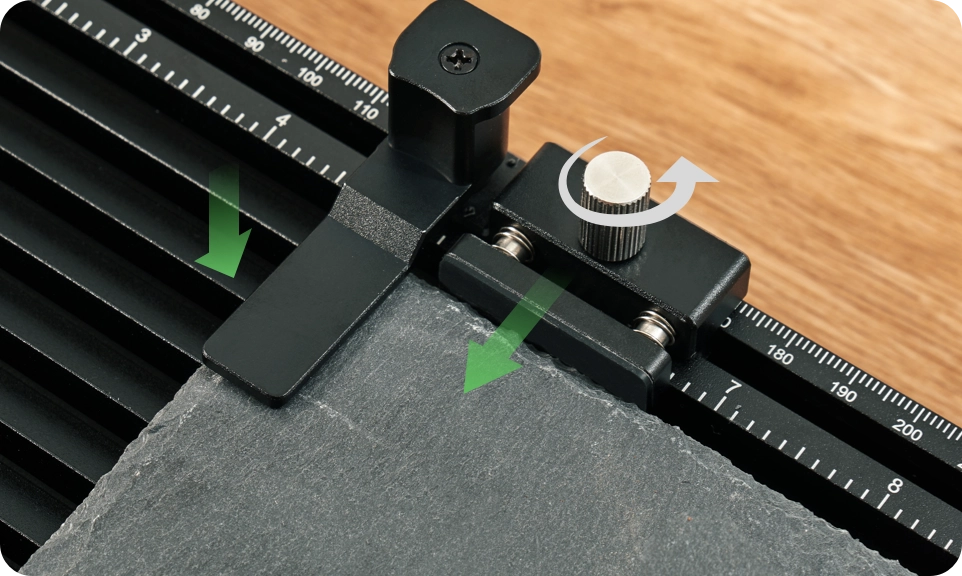
3 Clamps for All Shapes — Use 3 other clamps in various ways to hold thicker projects in place.

Easy to Use from Unbox to Project Done


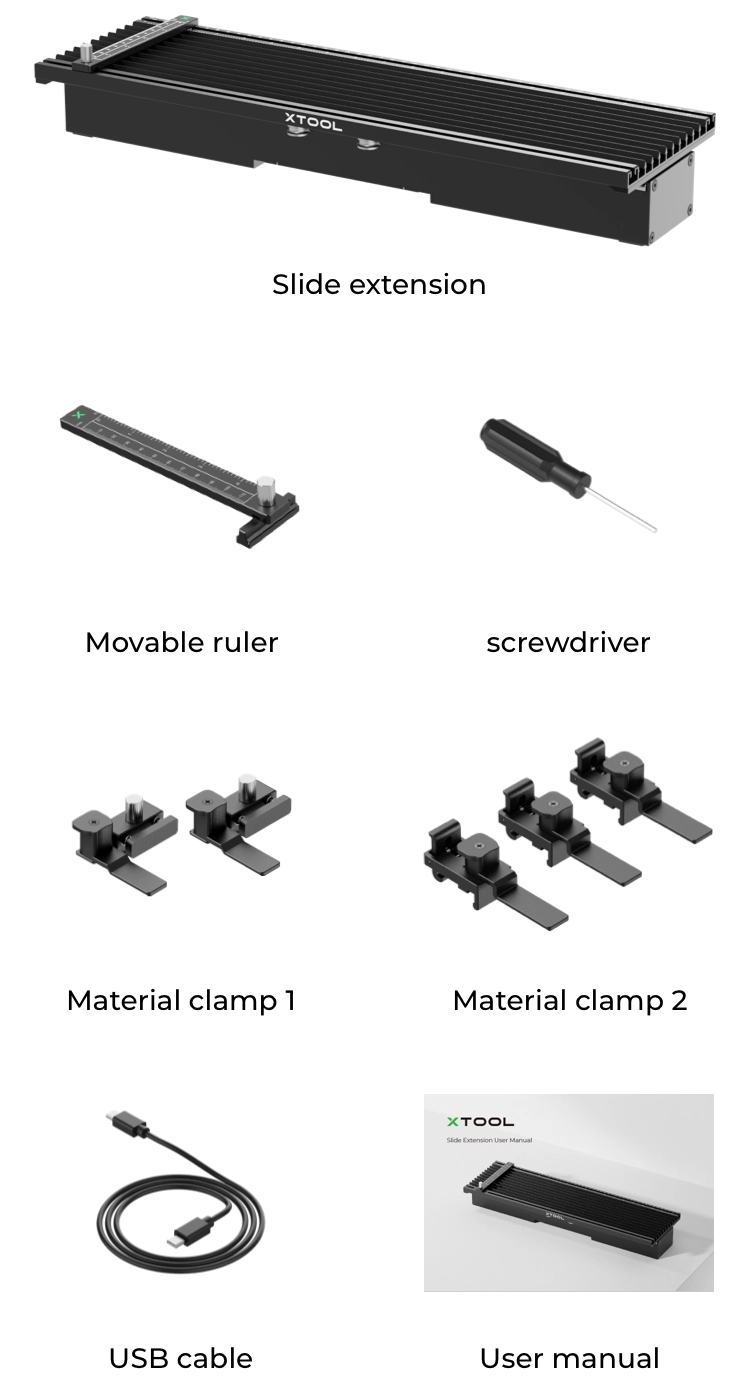
What's Included
- Slide Extension ×1
- Clamps ×5