


Bambu Lab TPU 75A (2.85mm) Flexible Filament - 1kg
Description
Description
Bambu Lab TPU 75A (2.85mm) Flexible Filament - 1kg
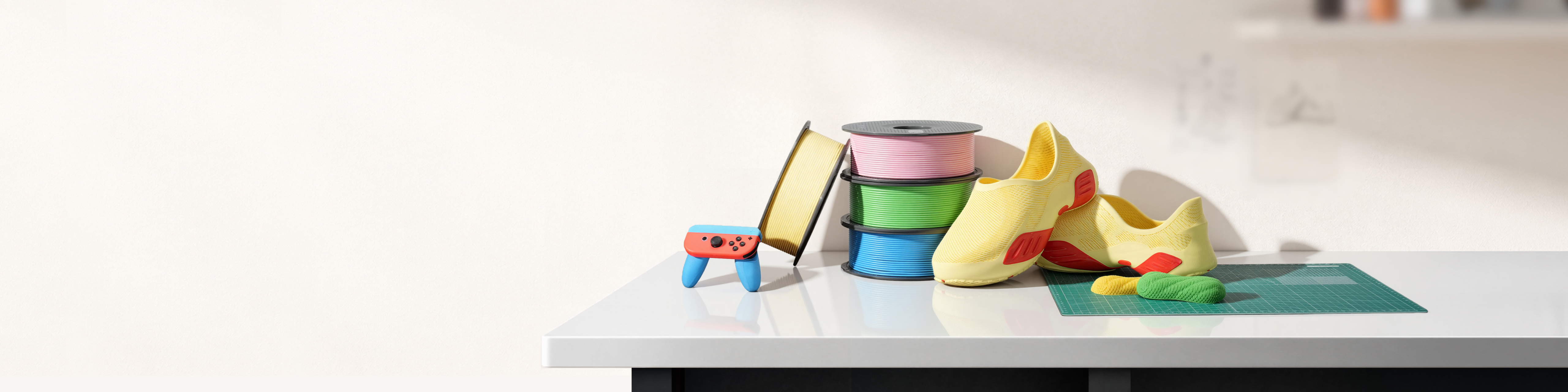
Ultra-soft. Built for wearables.
Product Features
- 75A — ultra-soft, wearable-ready
- 2.85 mm — FlexFeed, reliable printing
- 10 mm³/s flowrate — ~3× faster than conventional setups
- Natural matte — no oily sheen
- Tested — certified for skin contact
- Diameter: 2.85mm +/- 0.05mm
Cautions for Use
- Must dry out before use
- Compatible only with H3C
Note: Please read the printing guide on the Wiki carefully before purchase to ensure the best printing experience and understand the requirements.
Ultra-soft cushioning, made for what touches you.
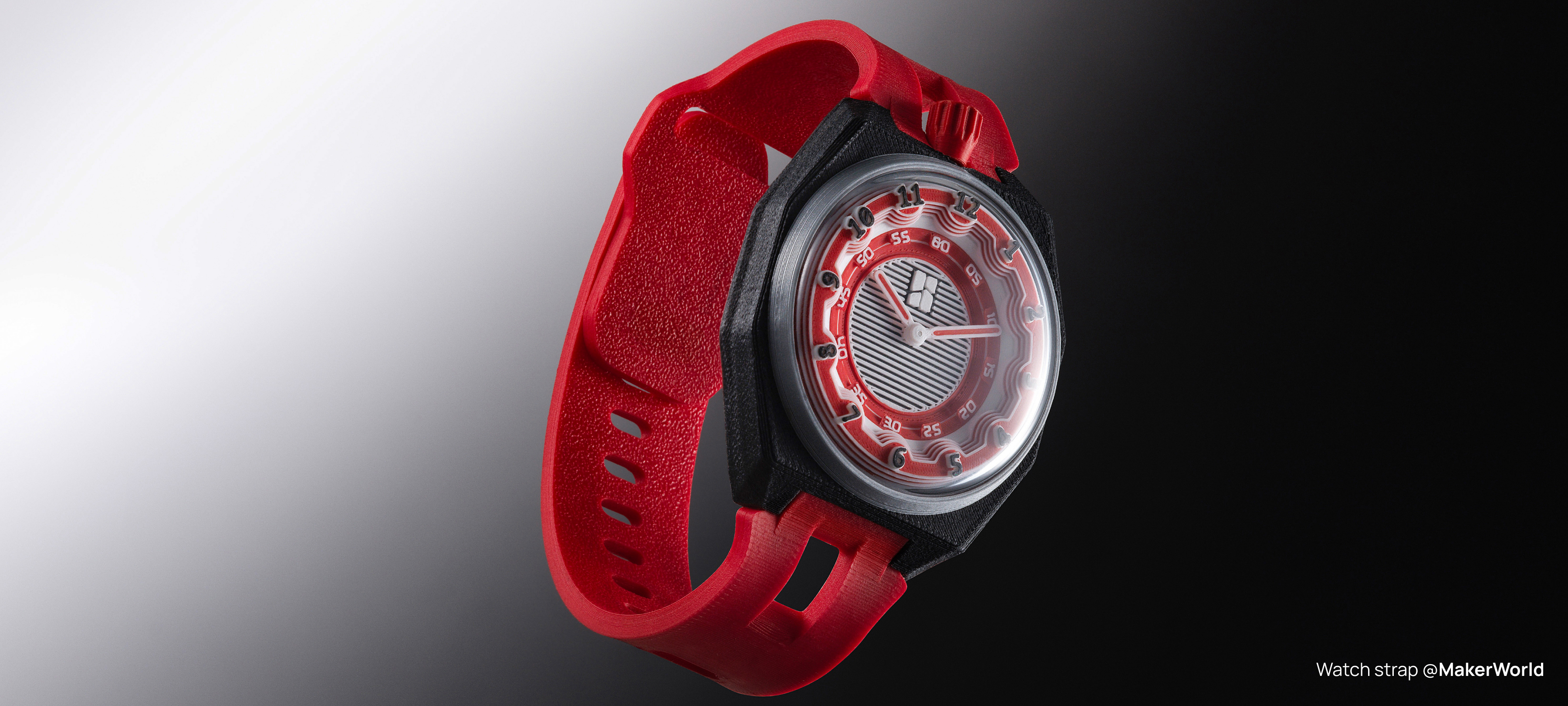
At 75A, this is one of the softest flexible materials you can print on any FFF 3D printer. Cushioning and flexibility this good finally makes 3D-printed wearables more than a novelty. Print shoes you’d actually wear all day. Print watch bands that feel like a second skin.
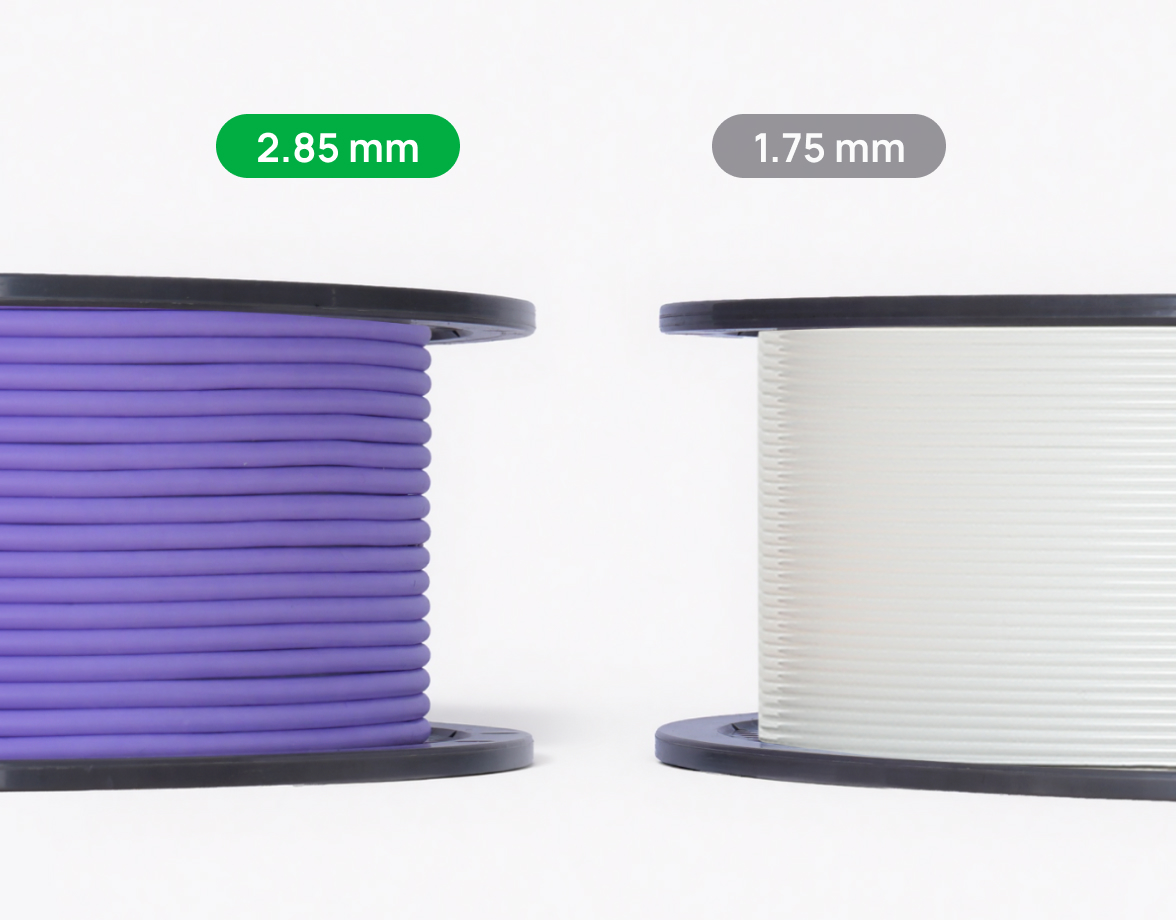
2.85 mm filament. Fast and reliable TPU printing, finally.
The FlexFeed extruder takes 2.85 mm filament — a genuine solution that makes high-speed printing of ultra-soft flexibles genuinely reliable. Paired with 75A TPU, FlexFeed pushes the volumetric flow rate to 10 mm³/s — roughly 3× what a conventional 1.75 mm setup can achieve, and without the reliability trade-off. *Based on internal laboratory testing under specified conditions. Results may vary by printer configuration and print settings.
A natural matte finish — soft to look at, softer to touch.
Most TPU filaments print with an oily sheen that makes the result feel plastic. We retuned this 75A TPU from the ground up to deliver a natural matte finish — with a smooth, skin-like texture that feels as premium as it looks.
Built to take a beating.
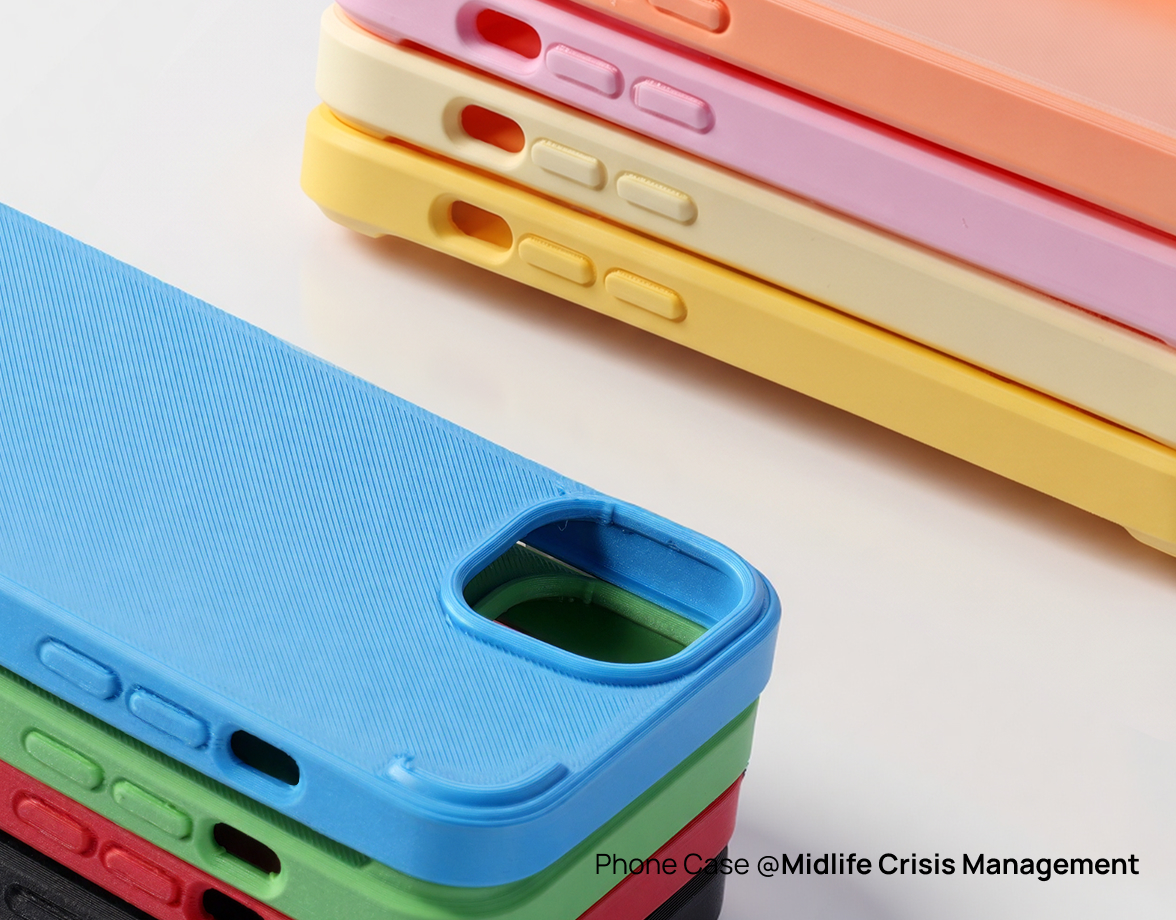
You’ll use this to print things that get worn, bent, scratched, and squished every day — wearables, cushioning, functional parts.
Printing Tips
1. Accessory Compatibility
- Printer Compatibility: Compatible only with H3C.
- Nozzle Compatibility: Compatible with Hotend for 2.85mm filament (Recommended for 0.4mm, 0.6mm and 0.8mm). Not compatible with Standard Nozzle and High Flow Nozzle.
- Build Plate: Except for the Cool Plate SuperTack, other types of build plates can be used for TPU printing.
- TPU Feeding Assist Module: Not compatible.
- AMS, AMS lite, AMS 2 Pro, AMS HT: Not compatible. AMS 3H: Compatible — please read the Wiki carefully for feeding instructions.
2. Drying Recommendations — Dry before use to ensure the best print quality and consistent finish. Store in a dry environment after use. To avoid spool deformation that may prevent it from fitting into the dry box, please use a large dry box. For more details on filament drying conditions, please carefully read the filament drying section on the Wiki.
3. Printing Tips — When printing with TPU 75A, please set the Flow Dynamics Calibration to Auto. Do not insert TPU 75A filament directly into the AMS feed inlet, as this may cause damage to the machine. TPU 75A supports multi-material printing with filaments other than PLA and PETG. See the Wiki for details.
4. Safety Tips
- Please store the filament in a cool, dark, and dry environment away from direct sunlight and high temperatures.
- Please keep filament and any broken fragments out of reach of infants, children, and pets to prevent swallowing or choking.
- For opened filament, we recommend drying before use according to the wiki’s recommended temperature and time settings.
- Please print this filament in a well-ventilated area, or install an effective air filtration or exhaust system.
- As this filament is not food-grade, please avoid using finished prints for food storage or contact.
- As this filament is highly moisture-absorbent, please place any unused filament in a sealed container with desiccant immediately, and dry thoroughly before printing.
Downloads — Filament TDS · Filament MSDS · Filament RoHS · Hex Code
